Integrations
Direct drivers for your local agents.
Padu communicates with your locally installed CLIs via native structured protocols. Switch between agents while preserving workspace state.
FAQ
Frequently asked questions.
Everything you need to know about Padu's local-first workflows, privacy, and agent support.
What is Padu?
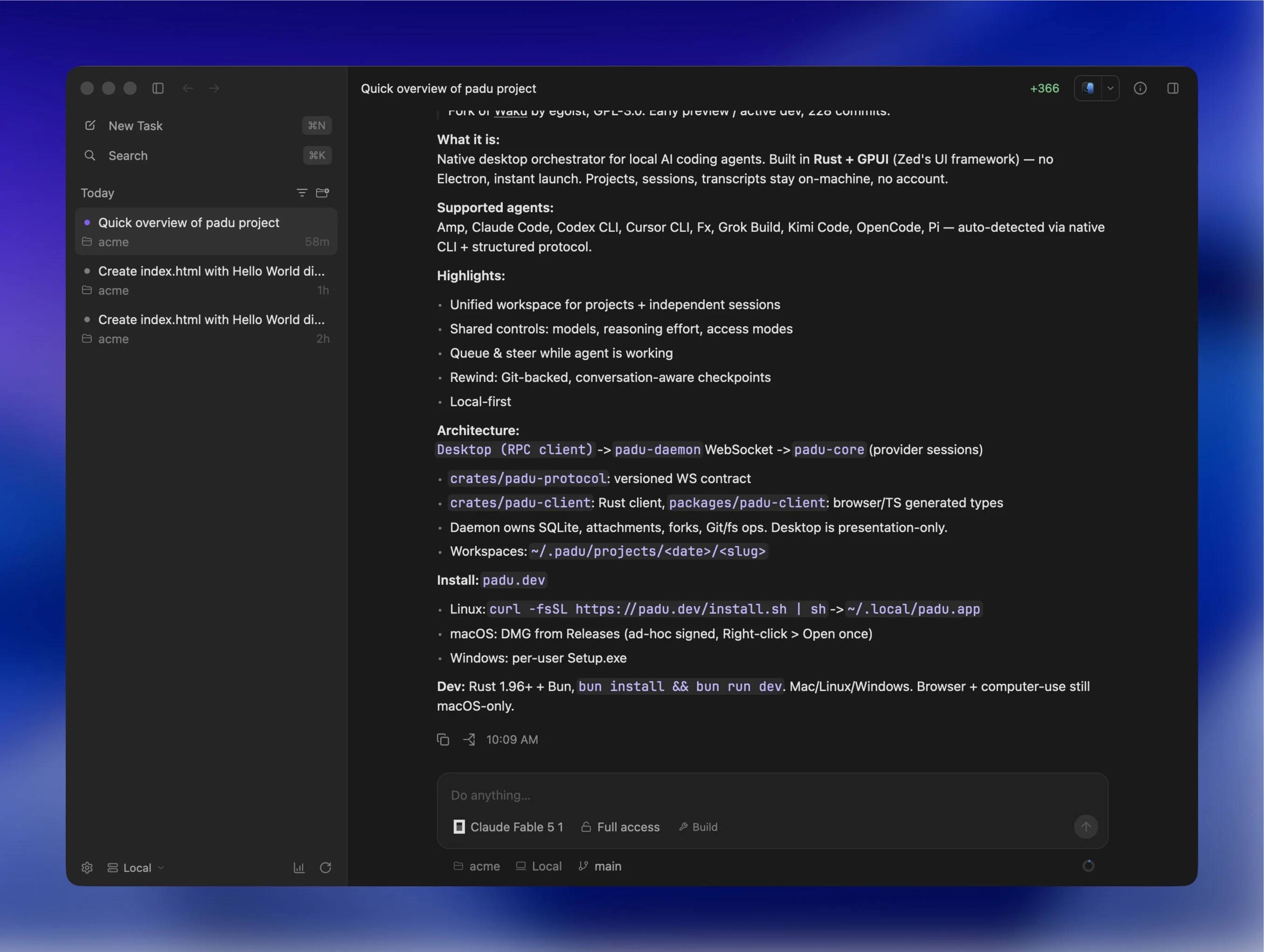
Padu is a high-performance, native desktop and web workspace for orchestrating local AI coding agents. Built in Rust with GPUI (the GPU-accelerated UI engine behind Zed), Padu keeps all your projects, sessions, transcripts, and credentials strictly on your machine.
Is Padu free and open source?
Yes. Padu is 100% free and open source, licensed under the GNU General Public License v3.0 (GPL-3.0). You bring your own API credentials or subscriptions for the agent providers you choose to run.
Does my code or data leave my machine?
No. Padu is strictly local-first. It never transmits your source code, prompts, files, or agent transcripts to external servers, and includes zero telemetry or analytics tracking. Agents communicate directly with their provider APIs using the credentials on your computer.
What AI coding agents does Padu support?
Padu supports leading coding agents through native direct drivers and ACP (Agent Client Protocol) integrations. Native drivers: Claude Code, OpenAI Codex CLI, OpenCode, Pi, Oh My Pi, Amp, DeepSeek, and Command Code. ACP integrations: Antigravity, Cursor CLI, Fx, Grok Build, Kimi Code, and Qoder CLI. See the full catalog on the supported agents page.
How does Padu integrate with coding agents?
Padu communicates directly with your locally installed agent CLIs via native structured protocols and process lifecycles. It does not intercept tokens or alter agent behavior—it provides a unified native UI for streaming live transcripts, switching models, inspecting unified diffs, and queueing follow-up prompts.
How do Git worktrees and checkpoints work?
When launching a task, Padu can run the agent inside an isolated Git worktree so it operates on a separate branch without modifying your active working directory. Padu also tracks turn-by-turn Git checkpoints, enabling 1-click diff reviews and exact state rewinds. Read the worktrees documentation.
What platforms and operating systems are supported?
Padu provides native desktop releases for macOS (Apple Silicon & Intel), Linux (Wayland & X11), and Windows (x86_64), alongside a web client and companion mobile apps.
Can I steer or queue prompts while an agent is actively working?
Yes. Padu supports live message queueing and steering, allowing you to append new instructions, additional context, or corrections while an agent is executing a turn.
Do I need a separate account or cloud service to use Padu?
No. Padu requires no cloud accounts, logins, or remote subscription fees. The desktop app manages its local daemon automatically on loopback, and you can run the daemon headless on remote servers or cloud VMs using the CLI.